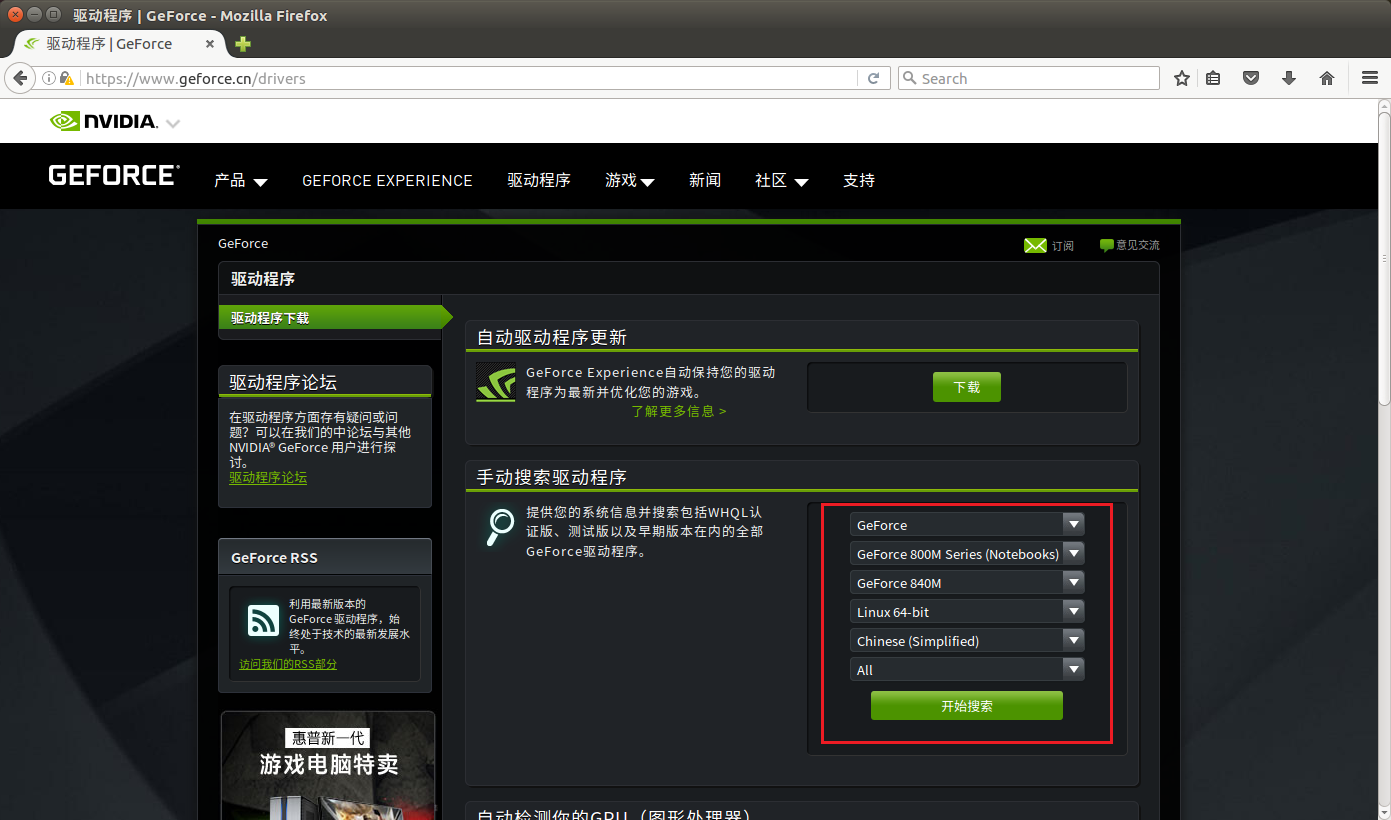
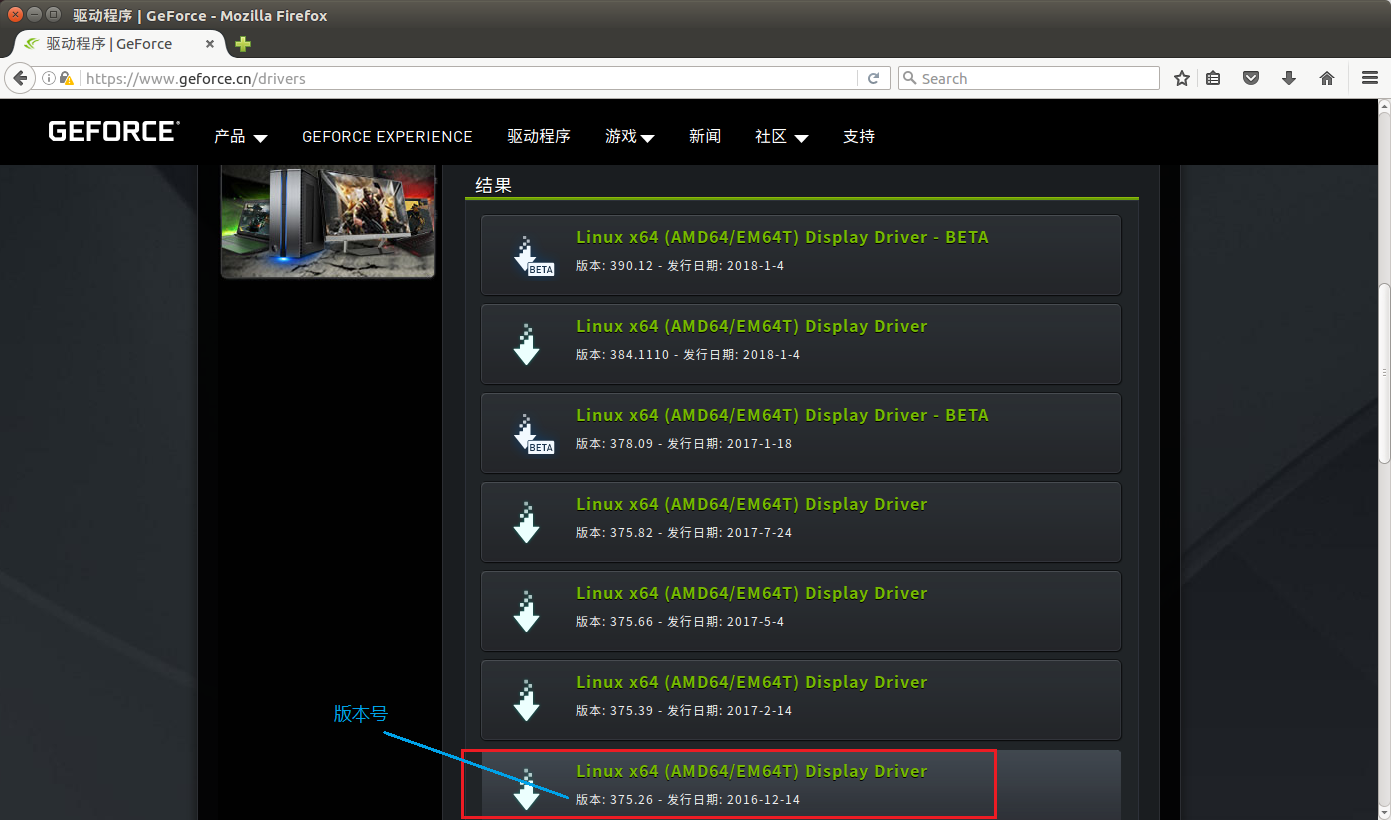
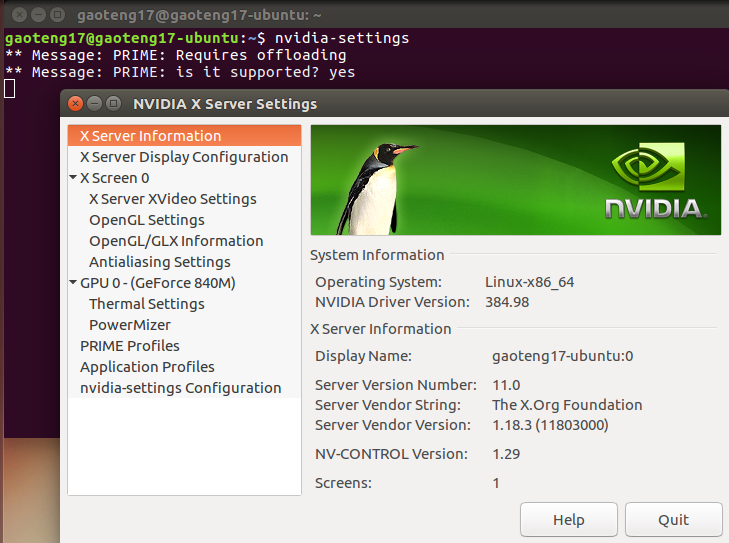
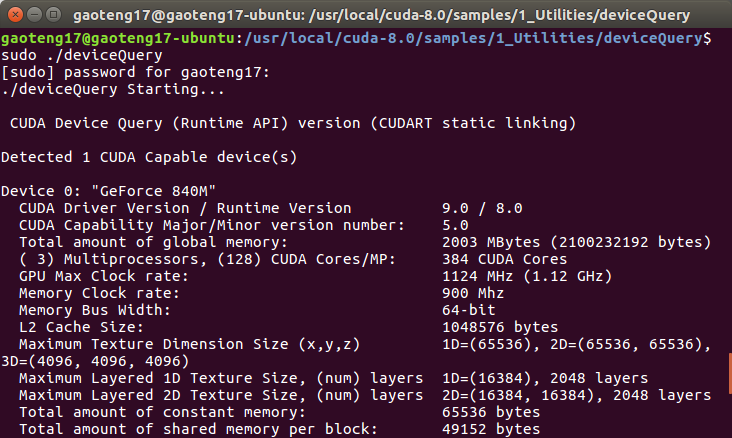
=========== = Summary = =========== Driver: Not Selected Toolkit: Installed in /usr/local/cuda-8.0 #cuda安装目录 Samples: Installed in /usr/local/cuda-8.0 #sample目录,我改到了cuda安装目录 Please make sure that – PATH includes /usr/local/cuda-8.0/bin – LD_LIBRARY_PATH includes /usr/local/cuda-8.0/lib64, or, add /usr/local/cuda-8.0/lib64 to /etc/ld.so.conf and run ldconfig as root To uninstall the CUDA Toolkit, run the uninstall script in /usr/local/cuda-8.0/bin Please see CUDA_Installation_Guide_Linux.pdf in /usr/local/cuda-8.0/doc/pdf for detailed information on setting up CUDA. ***WARNING: Incomplete installation! This installation did not install the CUDA Driver. A driver of version at least 361.00 is required for CUDA 8.0 functionality to work. To install the driver using this installer, run the following command, replacing with the name of this run file: sudo .run -silent -driver Logfile is /opt/temp//cuda_install_****.log
## Refer to http://caffe.berkeleyvision.org/installation.html # Contributions simplifying and improving our build system are welcome!
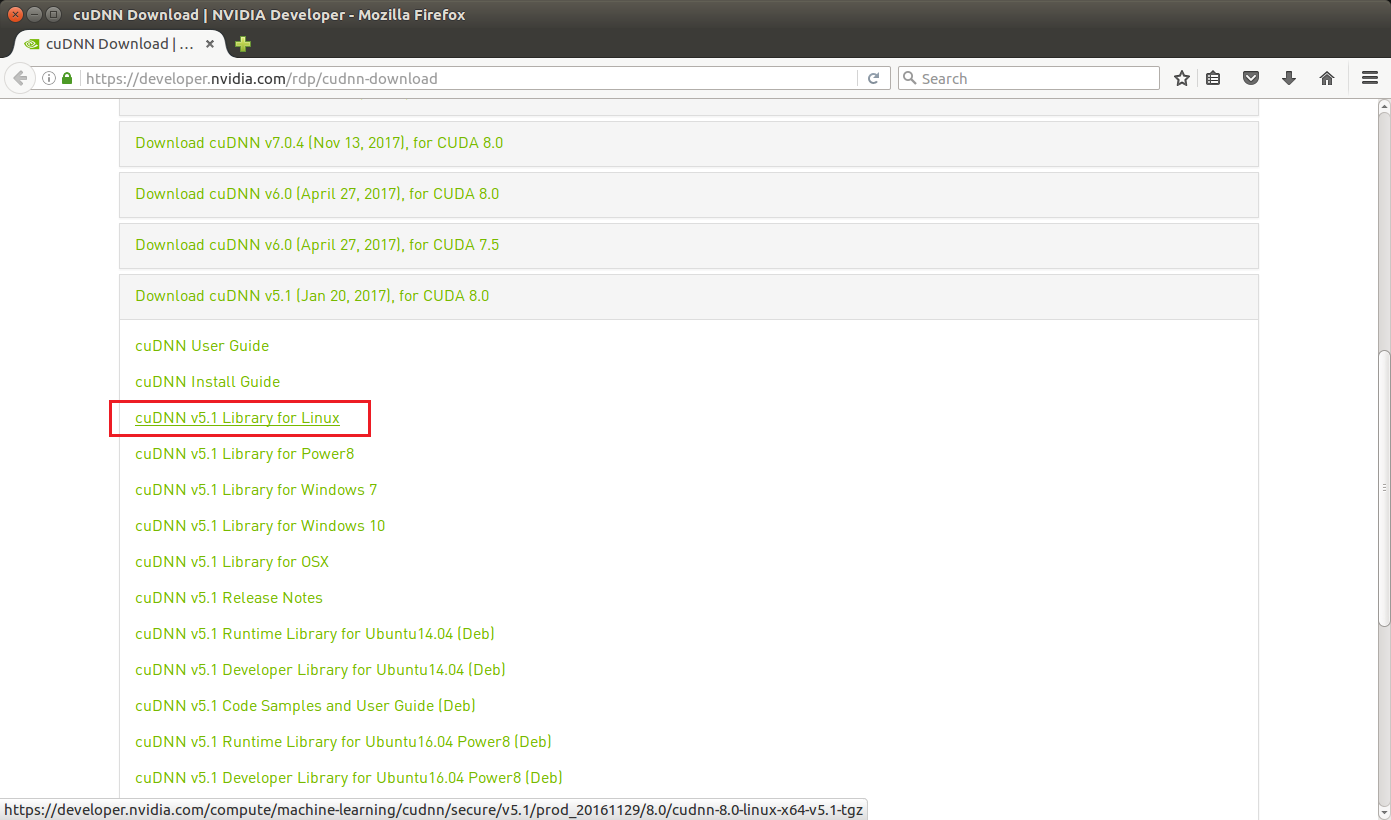
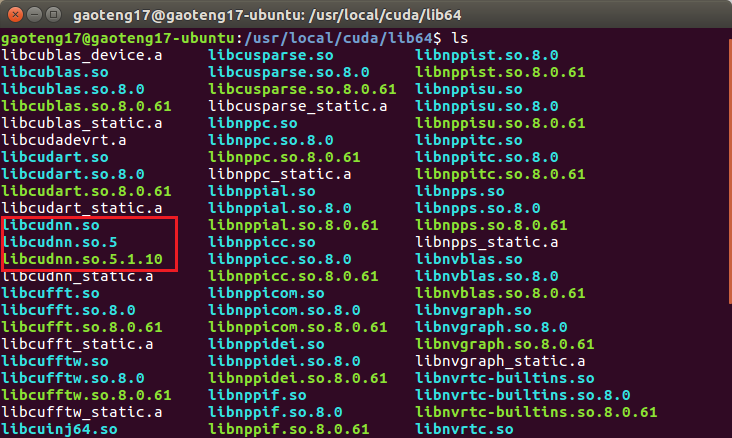
# cuDNN acceleration switch (uncomment to build with cuDNN). USE_CUDNN := 1 '在有nvidia GPU并且安装CuDNN的情况下取消注释'
# CPU-only switch (uncomment to build without GPU support). # CPU_ONLY := 1 '如果取消注释则只使用cpu'
# uncomment to disable IO dependencies and corresponding data layers USE_OPENCV := 1 '因为要用到OpenCV库所以要打开,下面这两个选项表示是选择Caffe的数据管理第三方库,两者都不打开Caffe默认用的是LMDB,这两者均是嵌入式数据库管理系统编程库' # USE_LEVELDB := 0 # USE_LMDB := 0
# uncomment to allow MDB_NOLOCK when reading LMDB files (only if necessary) # You should not set this flag if you will be reading LMDBs with any # possibility of simultaneous read and write # ALLOW_LMDB_NOLOCK := 1 '当需要读取LMDB文件时可以取消注释,默认不打开'
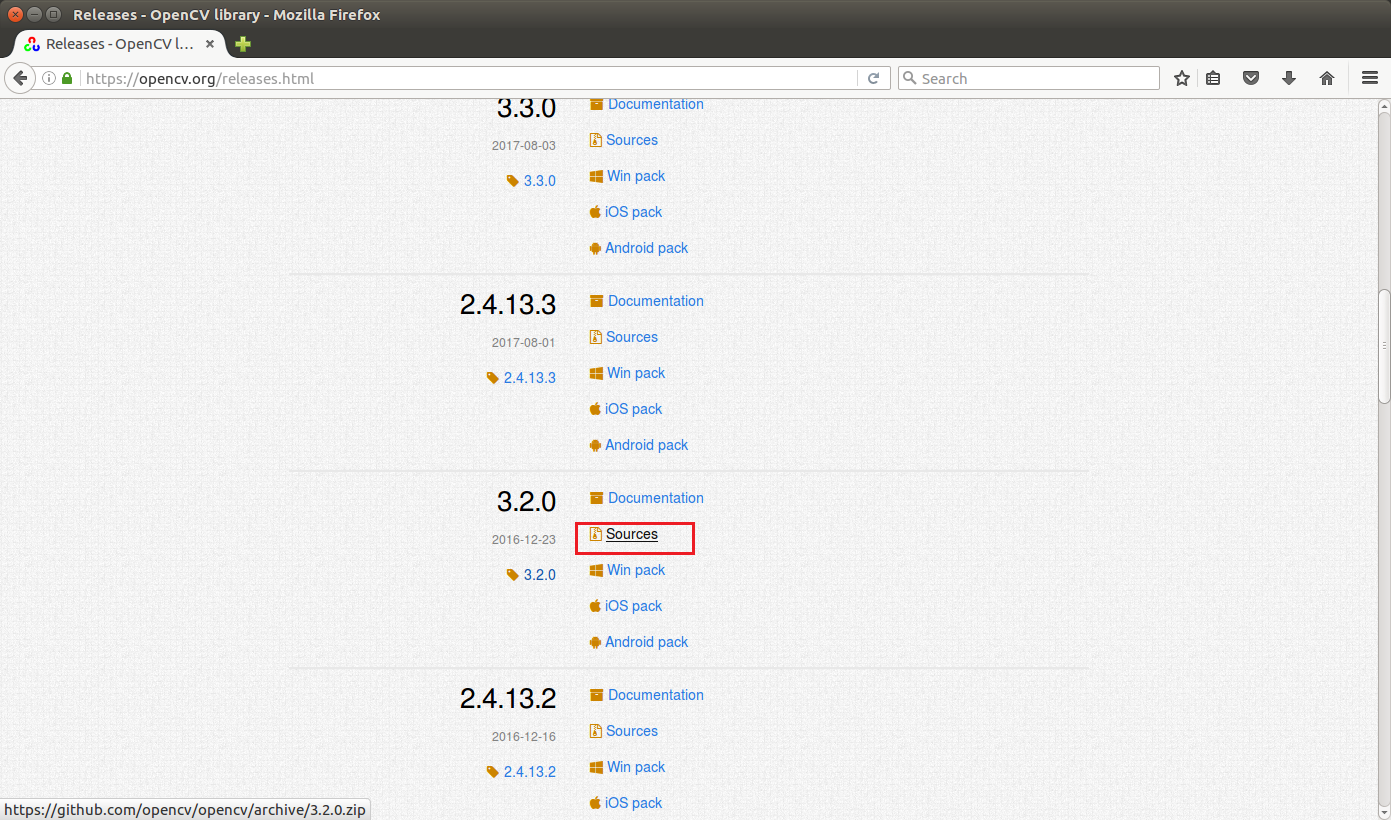
# Uncomment if you're using OpenCV 3 OPENCV_VERSION := 3 '安装的opencv版本,2.X版本的话是2,3.X版本就是3'
# To customize your choice of compiler, uncomment and set the following. # N.B. the default for Linux is g++ and the default for OSX is clang++ # CUSTOM_CXX := g++ 'linux系统默认使用g++编译器,OSX则是clang++'
# CUDA directory contains bin/ and lib/ directories that we need. CUDA_DIR := /usr/local/cuda 'cuda安装目录,如果前面给自己挖坑了这里改一下' # On Ubuntu 14.04, if cuda tools are installed via # "sudo apt-get install nvidia-cuda-toolkit" then use this instead: # CUDA_DIR := /usr '如果是在ubuntu14.04版本下通过apt-get方式安装的cuda则在上面这个目录'
# CUDA architecture setting: going with all of them. # For CUDA < 6.0, comment the *_50 through *_61 lines for compatibility. # For CUDA < 8.0, comment the *_60 and *_61 lines for compatibility. # For CUDA >= 9.0, comment the *_20 and *_21 lines for compatibility. CUDA_ARCH := -gencode arch=compute_20,code=sm_20 \ -gencode arch=compute_20,code=sm_21 \ -gencode arch=compute_30,code=sm_30 \ -gencode arch=compute_35,code=sm_35 \ -gencode arch=compute_50,code=sm_50 \ -gencode arch=compute_52,code=sm_52 \ -gencode arch=compute_60,code=sm_60 \ -gencode arch=compute_61,code=sm_61 \ -gencode arch=compute_61,code=compute_61 '这些参数需要根据GPU的计算能力来设置,不做调整(主要是不会。。)。' '这个网站可以查询自己GPU的算力' 'http://blog.csdn.net/jiajunlee/article/details/52067962'
# BLAS choice: # atlas for ATLAS (default) # mkl for MKL # open for OpenBlas BLAS := atlas '如果用的是ATLAS计算库则赋值atlas,MKL计算库则用mkl赋值,OpenBlas则赋值open' 'caffe默认是atlas'
# Custom (MKL/ATLAS/OpenBLAS) include and lib directories. # Leave commented to accept the defaults for your choice of BLAS # (which should work)! # BLAS_INCLUDE := /path/to/your/blas # BLAS_LIB := /path/to/your/blas '如果是默认位置安装的atlas(apt-get方式)则保留注释,否则取消注释并输入安装目录'
# Homebrew puts openblas in a directory that is not on the standard search path # BLAS_INCLUDE := $(shell brew --prefix openblas)/include # BLAS_LIB := $(shell brew --prefix openblas)/lib '如果选择了openblas且不是安装在标准路径则要指明'
# This is required only if you will compile the matlab interface. # MATLAB directory should contain the mex binary in /bin. # MATLAB_DIR := /usr/local # MATLAB_DIR := /Applications/MATLAB_R2012b.app 'matlab安装库的目录'
# NOTE: this is required only if you will compile the python interface. # We need to be able to find Python.h and numpy/arrayobject.h. PYTHON_INCLUDE := /usr/include/python2.7 \ /usr/local/lib/python2.7/dist-packages/numpy/core/include 'python安装目录,这里要注意第二行位置,ubuntu16.04对python2.7的安装位置有小改动' '设置的时候可以先cd到该目录下看python是否安在了那里'
# Anaconda Python distribution is quite popular. Include path: # Verify anaconda location, sometimes it's in root. # ANACONDA_HOME := $(HOME)/anaconda # PYTHON_INCLUDE := $(ANACONDA_HOME)/include \ # $(ANACONDA_HOME)/include/python2.7 \ # $(ANACONDA_HOME)/lib/python2.7/site-packages/numpy/core/include '如果安装了anaconda(一款集成了许多库的python)则需要把python相关目录设置到anaconda目录'
# Uncomment to use Python 3 (default is Python 2) # PYTHON_LIBRARIES := boost_python3 python3.5m # PYTHON_INCLUDE := /usr/include/python3.5m \ # /usr/lib/python3.5/dist-packages/numpy/core/include '默认使用python2.7,取消注释则使用python3.5'
# We need to be able to find libpythonX.X.so or .dylib. PYTHON_LIB := /usr/lib # PYTHON_LIB := $(ANACONDA_HOME)/lib 'python库的位置,安装了anaconda的话似乎也得改'
# Homebrew installs numpy in a non standard path (keg only) # PYTHON_INCLUDE += $(dir $(shell python -c 'import numpy.core; print(numpy.core.__file__)'))/include # PYTHON_LIB += $(shell brew --prefix numpy)/lib
# Uncomment to support layers written in Python (will link against Python libs) WITH_PYTHON_LAYER := 1 '如果要用python来写框架中的layer则取消注释'
# Whatever else you find you need goes here. INCLUDE_DIRS := $(PYTHON_INCLUDE) /usr/local/include /usr/include/hdf5/serial LIBRARY_DIRS := $(PYTHON_LIB) /usr/local/lib /usr/lib /usr/lib/x86_64-linux-gnu /usr/lib/x86_64-linux-gnu/hdf5/serial '这里注意要加入hdf5的路径,同样建议加入前先cd到这些目录看看是否前面安装成功了'
# If Homebrew is installed at a non standard location (for example your home directory) and you use it for general dependencies # INCLUDE_DIRS += $(shell brew --prefix)/include # LIBRARY_DIRS += $(shell brew --prefix)/lib
# NCCL acceleration switch (uncomment to build with NCCL) # https://github.com/NVIDIA/nccl (last tested version: v1.2.3-1+cuda8.0) # USE_NCCL := 1 'nccl是GPU多卡并行中使用的通信框架,穷比瑟瑟发抖'
# Uncomment to use `pkg-config` to specify OpenCV library paths. # (Usually not necessary -- OpenCV libraries are normally installed in one of the above $LIBRARY_DIRS.) # USE_PKG_CONFIG := 1 'opencv装好了就不用管'
# N.B. both build and distribute dirs are cleared on `make clean` BUILD_DIR := build DISTRIBUTE_DIR := distribute 'build目录,注意如果build中途失败了应该执行 make clean 后再重新build'
# Uncomment for debugging. Does not work on OSX due to https://github.com/BVLC/caffe/issues/171 # DEBUG := 1
# The ID of the GPU that 'make runtest' will use to run unit tests. TEST_GPUID := 0 '所用的GPU的ID编号,单卡就是0'
# enable pretty build (comment to see full commands) Q ?= @
#119行位置 #error -- unsupported GNU version! gcc versions later than 5 are not supported! 改为 //#error -- unsupported GNU version! gcc versions later than 5 are not supported!
编译caffe
在caffe目录下
1 2 3 4
make all -j4
make test -j4
make runtest
make pycaffe
cd caffe #你的caffe安装目录
sudo sh ./data/mnist/get_mnist.sh    #下载数据
sudo sh ./examples/mnist/create_mnist.sh #转换成lmdb数据
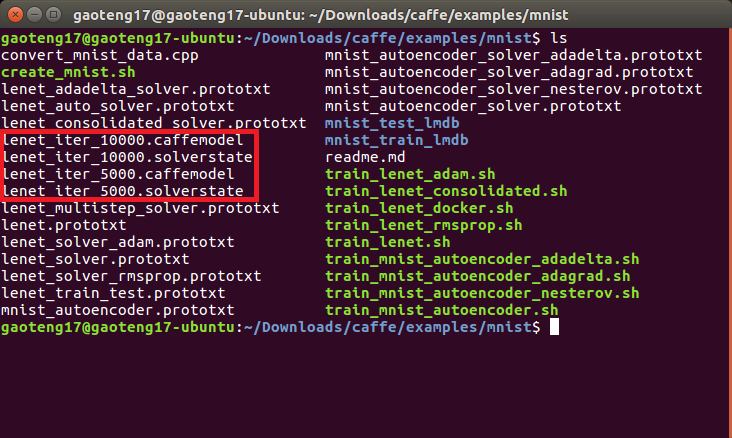
sudo sh ./examples/mnist/train_lenet.sh #训练模型
#全局参数和网络参数可以在lenet_solver.prototxt与train_lenet.prototxt文件中进行设置